iPhone app · 3D film camera and photo studio
Your life.Your roll.
Choose a film look and photograph your day. Make a card, a multi-page story, or a photo wall and share it with friends.
Professional controls, easy to use
Drag a dial sideways: lower left for film, upper right for exposure, lower right for focal length. You can also use the buttons below.
Try with a sample scene. No camera access needed.
Camera appearance
Muddy Homecoming
Midnight Instrument
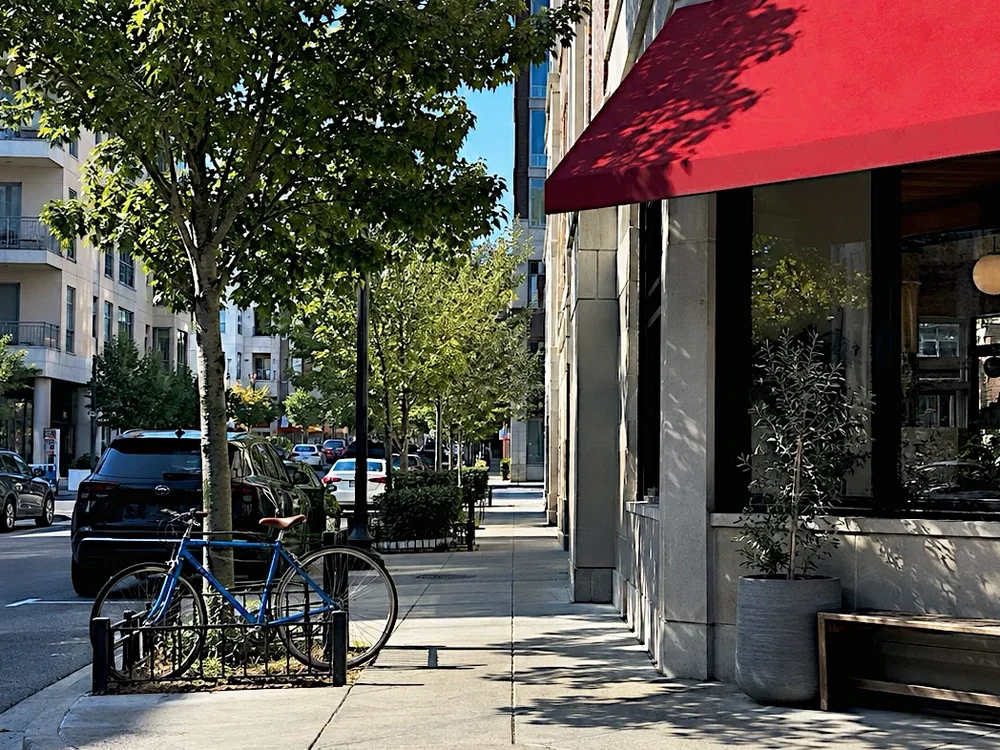
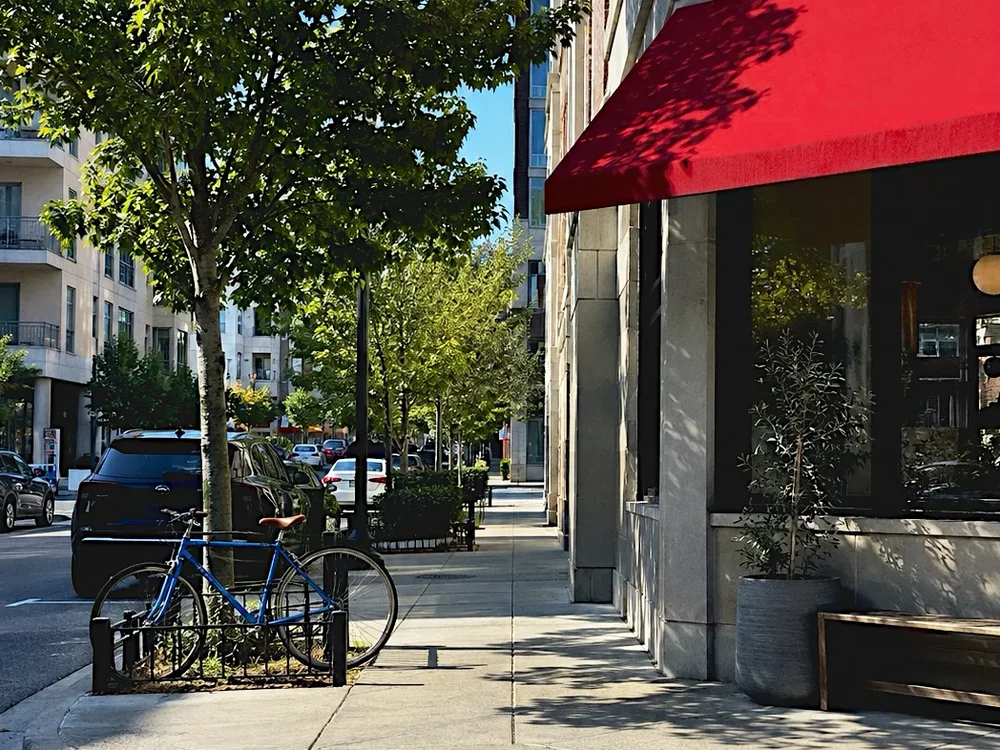
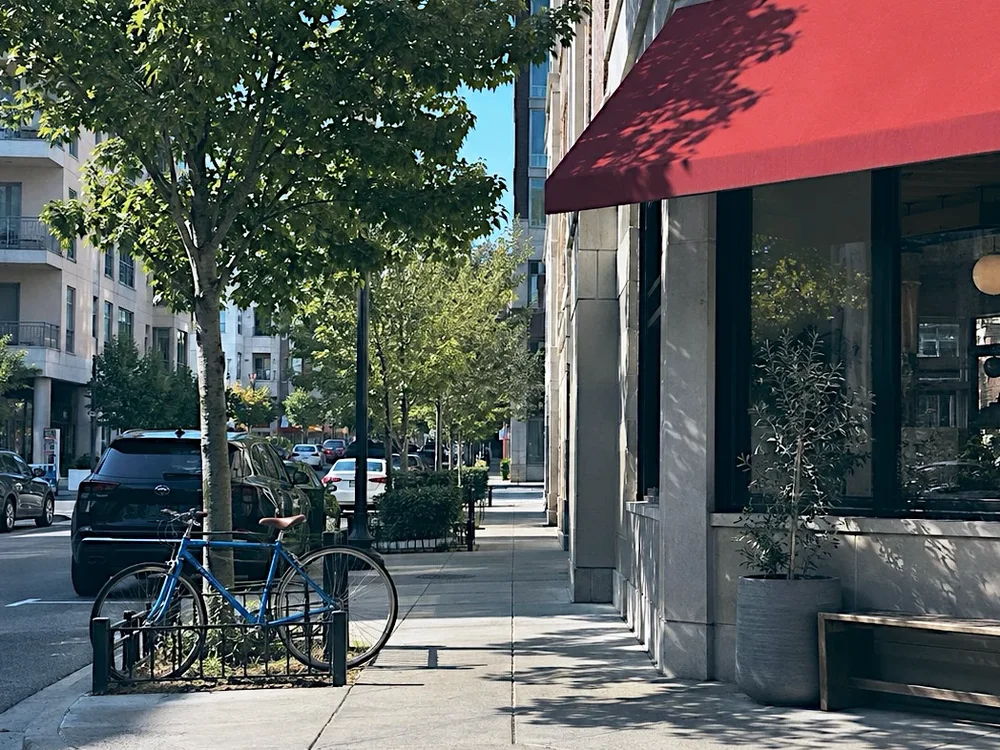
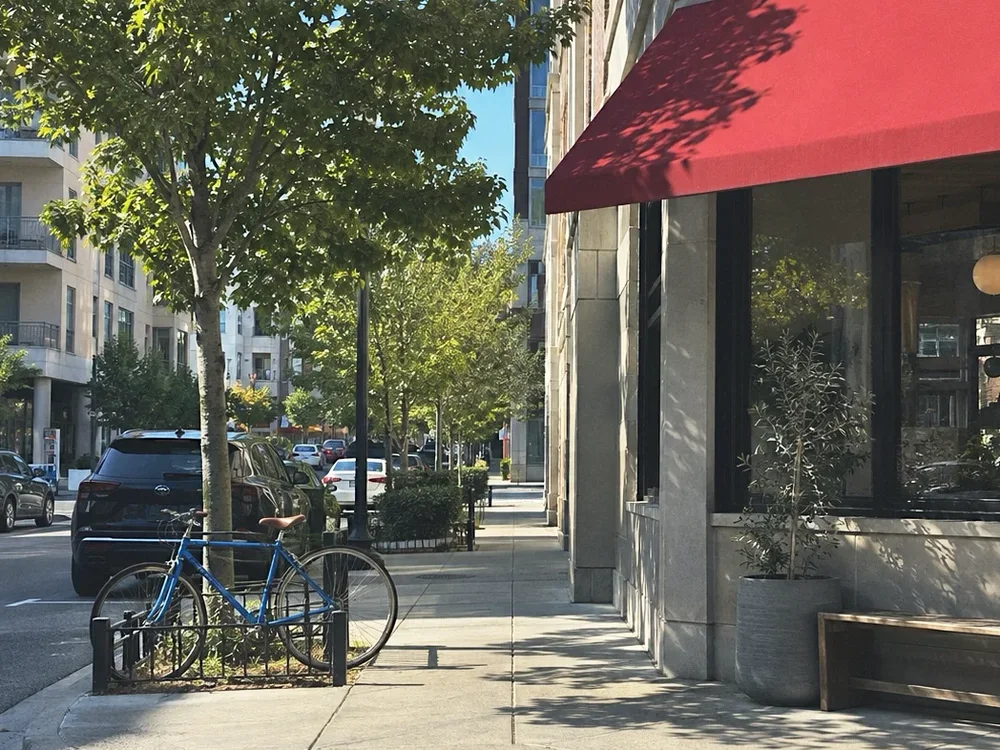
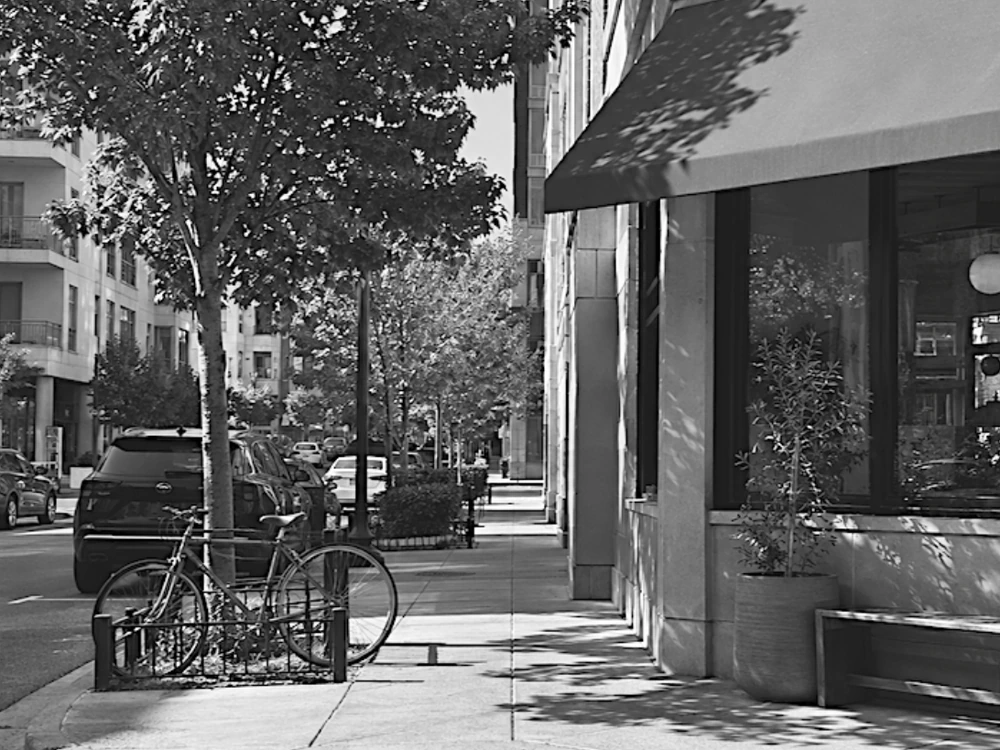
Film detailsCompare
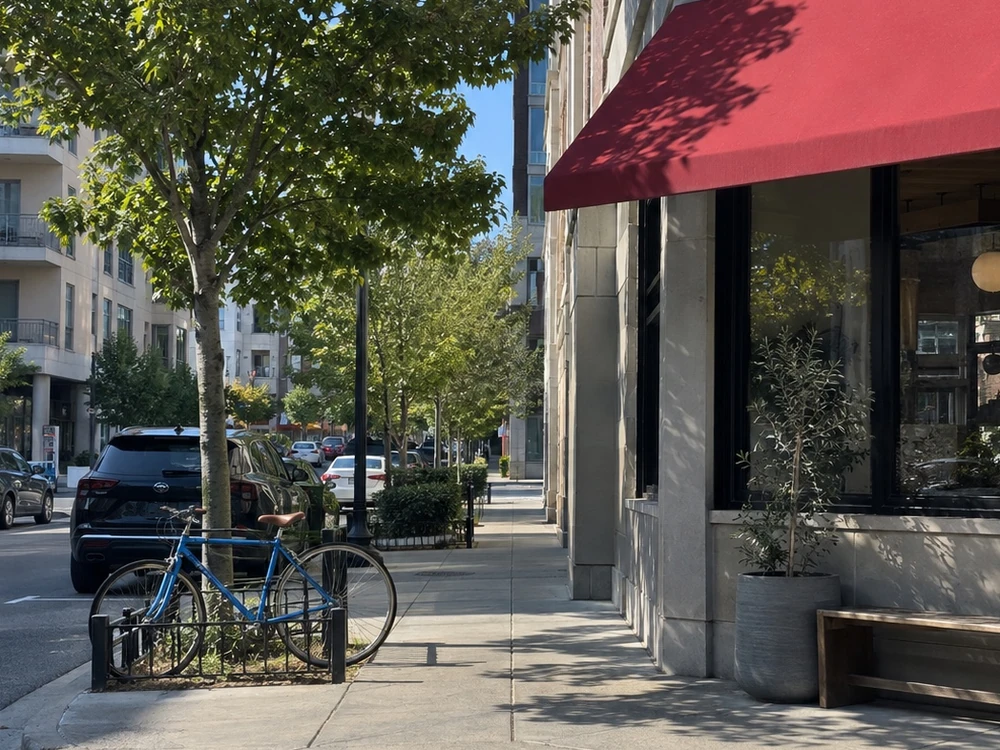
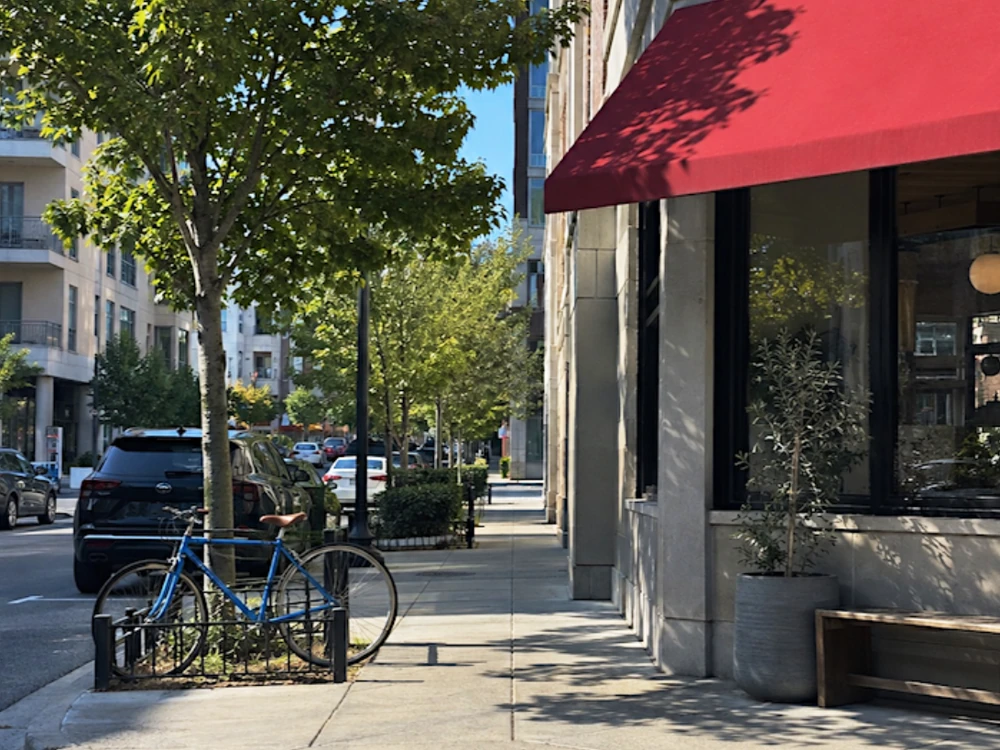
The website blends the original and sample to preview strength.
Color Mini
Color-matched paper · Miniature prints
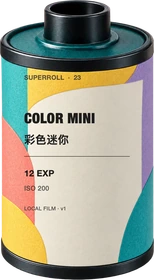
See lively color in the viewfinder. During development, SuperRoll uses the photo’s dominant colors to choose a matching paper for the miniature print.
- Film characteristics
- Fine grain, matching paper and miniature layouts
- Good for
- Everyday scenes, travel and creative compositions
- Shooting tip
- Look for a clear main color and see how the paper picks it up.
Vivid Day 100
Saturated color · Bright daylight
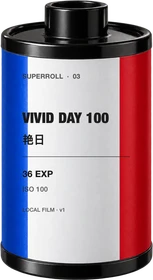
Bold color and contrast for scenes in clear daylight.
- Film characteristics
- Vivid reds and oranges, clear color separation
- Good for
- Street scenes, architecture and travel
- Shooting tip
- Look for red signs against a blue sky in direct sunlight.
Tokyo Chrome
Urban color · Strong contrast
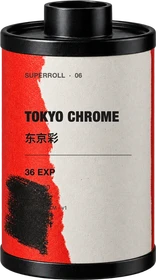
Distinct highlights and shadows bring out signs, reflections and street color.
- Film characteristics
- Firm shadows and striking reds and blues
- Good for
- Street photography and city scenes
- Shooting tip
- Try including colored glass, signage, or a red awning.
Cine Teal
Teal shadows · Warm highlights
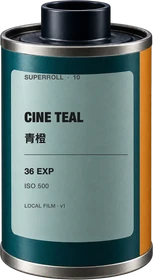
Cool shadows and warm light give city scenes and mixed lighting extra separation.
- Film characteristics
- Teal and orange separation, cinematic contrast
- Good for
- Street scenes, sunsets and mixed light
- Shooting tip
- Put the subject in warm light and keep cooler shadows in the frame.
Golden Day 200
Golden warmth · Clear daylight
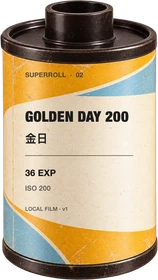
Warm daylight and vivid color bring out layers in streets, architecture and still life.
- Film characteristics
- Golden highlights and rich warm tones
- Good for
- Travel, afternoon streets and still life
- Shooting tip
- Try a sunlit wall and compare its color with what you see in the shade.
Fine Mono
Very fine grain · Distinct tonal separation
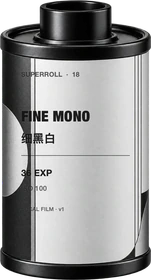
Crisp edges and distinct tonal separation bring out the lines of a building or the texture of stone and still life.
- Film characteristics
- Very fine grain, crisp edges and deep blacks
- Good for
- Architecture, still life and landscapes
- Shooting tip
- Pick a scene with fine detail and look for lines in the highlights and shadows.
The comparison shows each film at 100% strength.
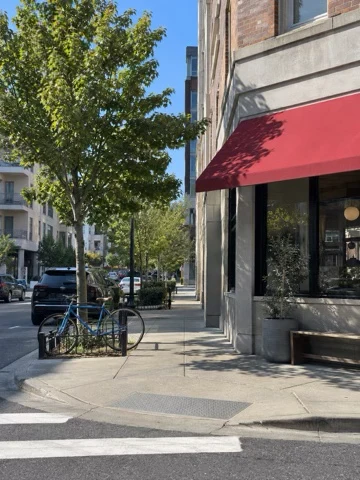
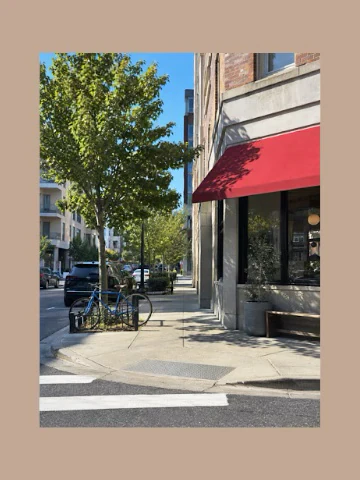
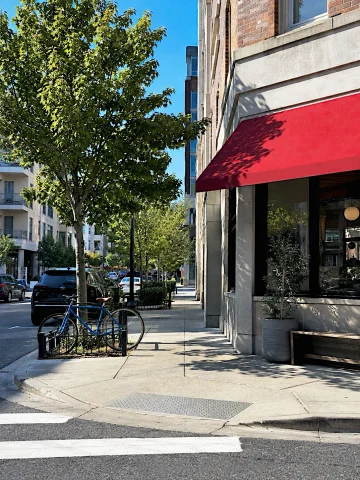
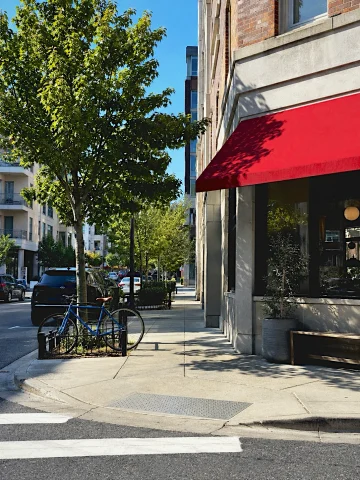
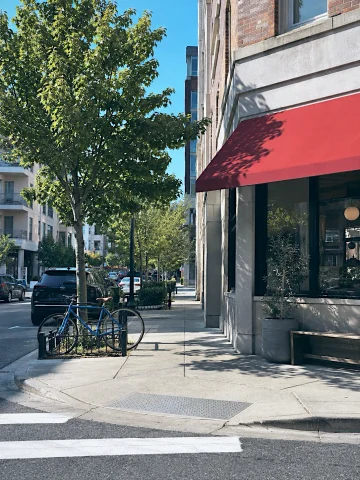
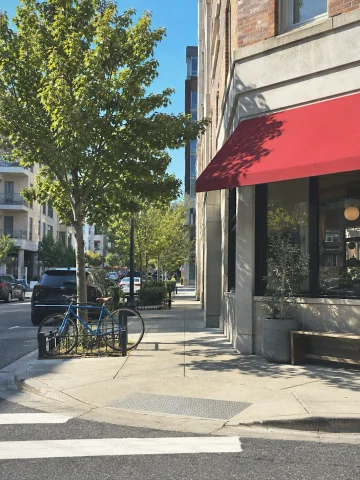
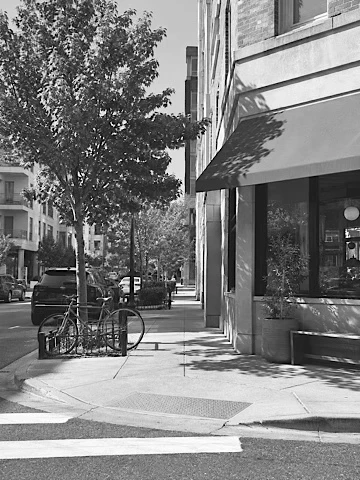
These samples are from the app’s film catalog. SuperRoll’s on-device recipes produced the effects.
Film
Exposure compensation
Focal length
Select shutter speed, ISO, or white balance in the viewfinder, then use the upper-right dial or the step buttons.
Make the camera yours
See all camera features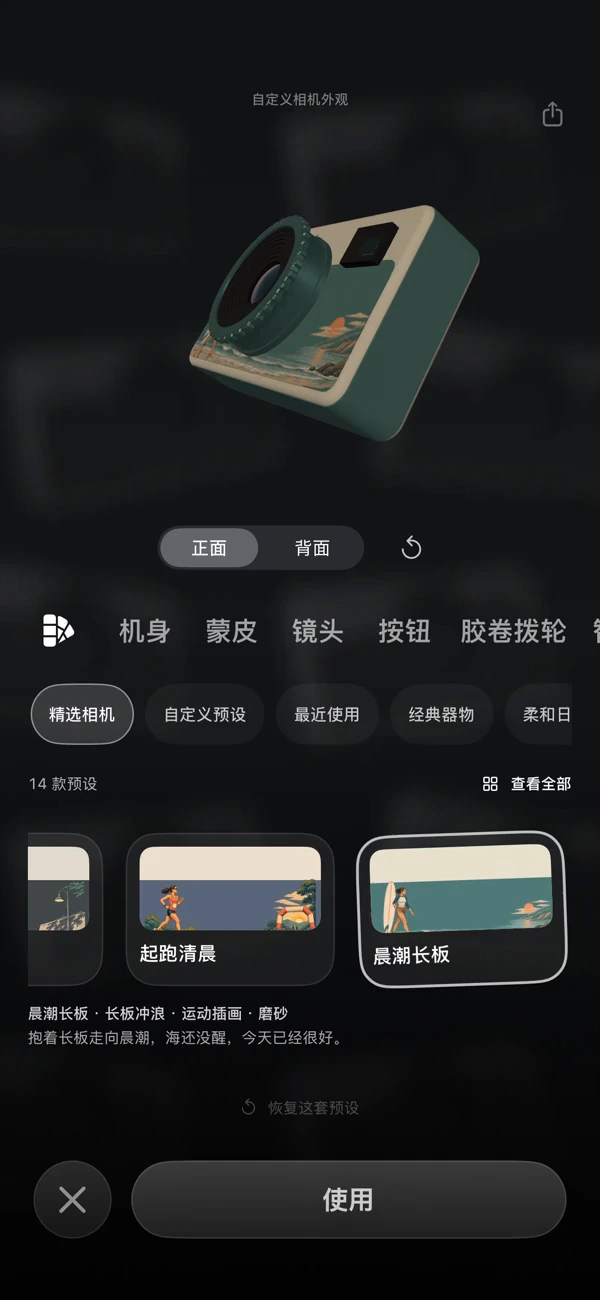
Built-in film and custom LUTs
Try different films and LUTs on the same photo. In SuperRoll, import a .cube file to make your own film look.
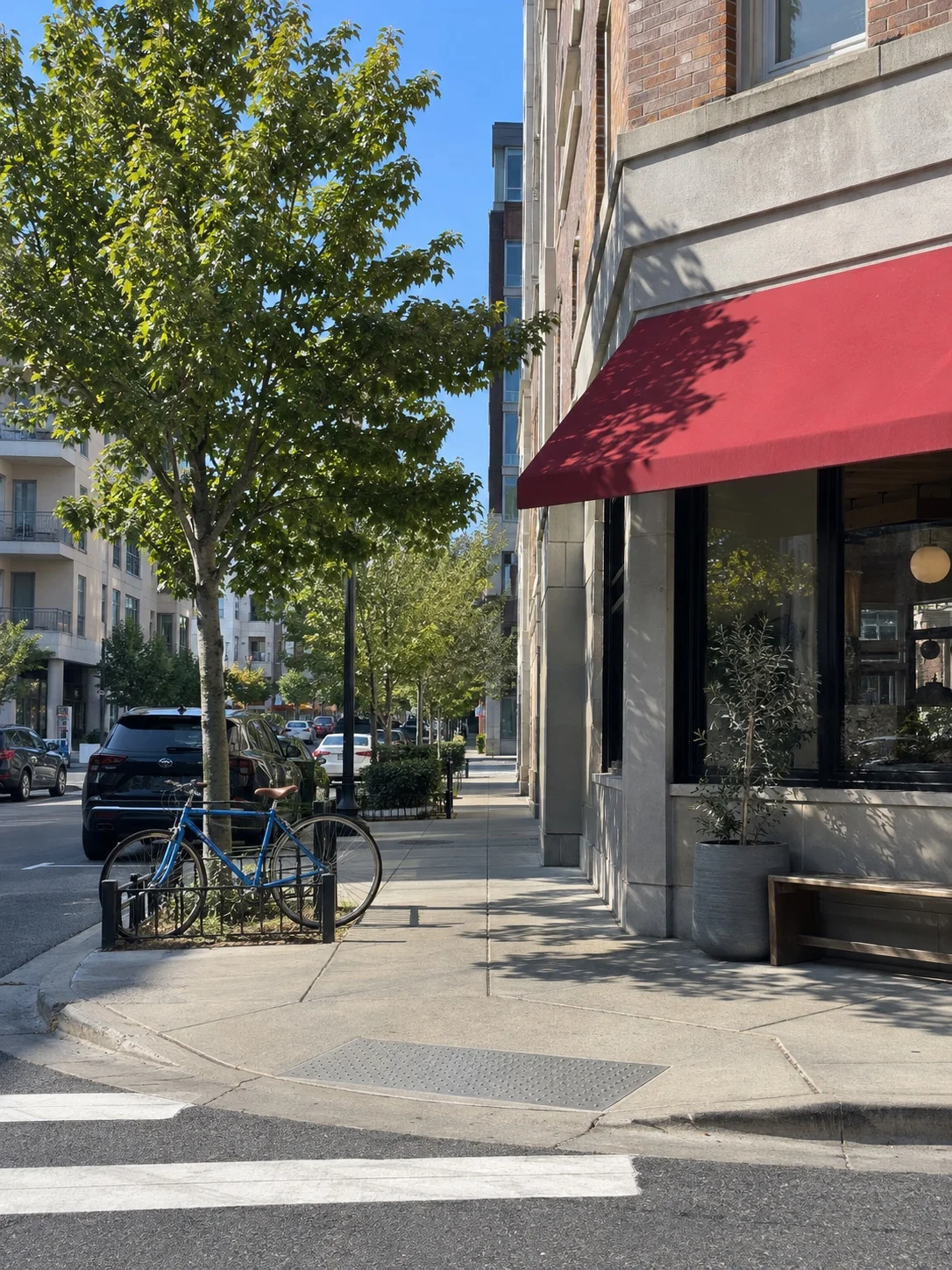
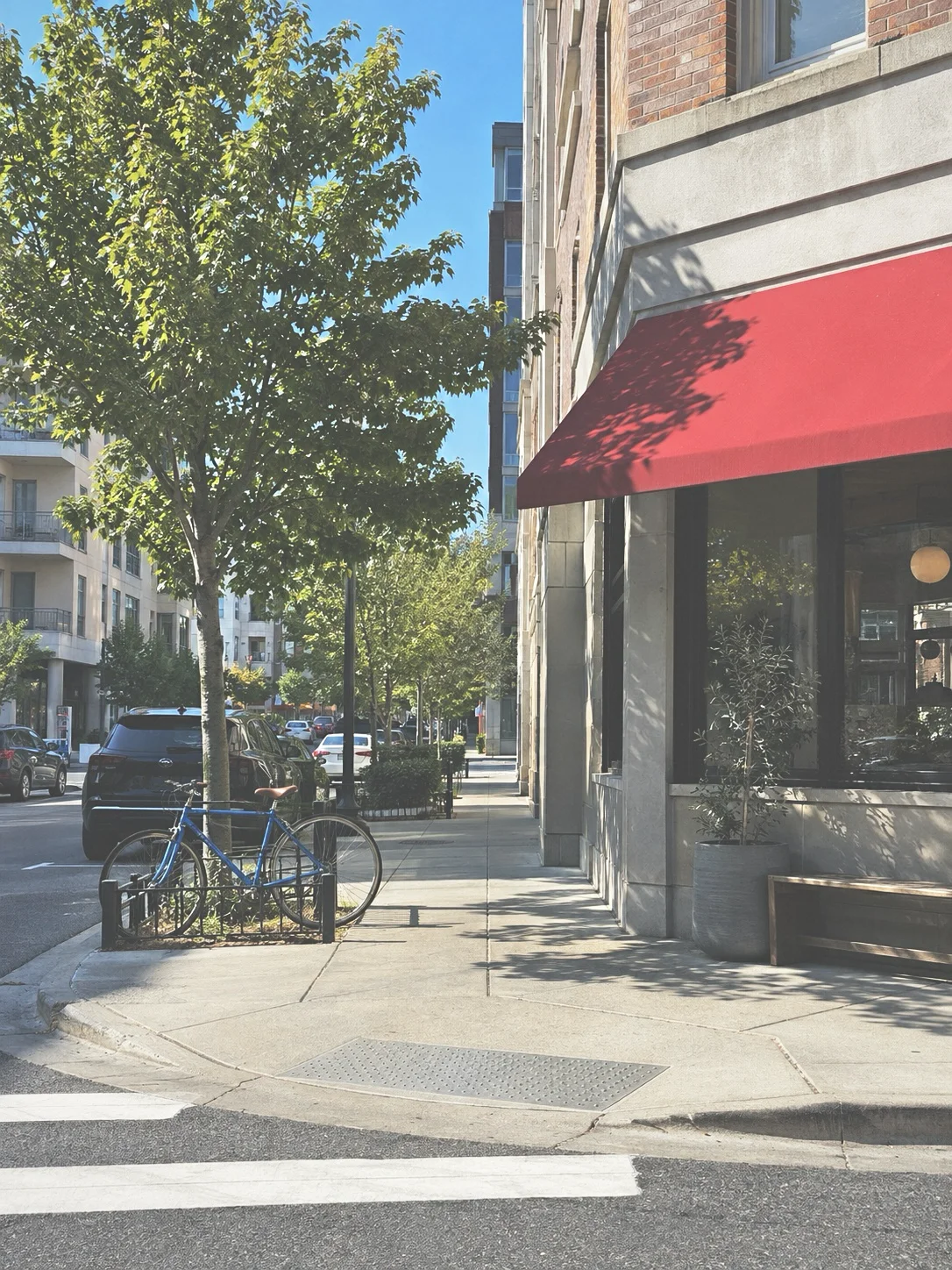
Photo editing
Refine the shot after you take it.
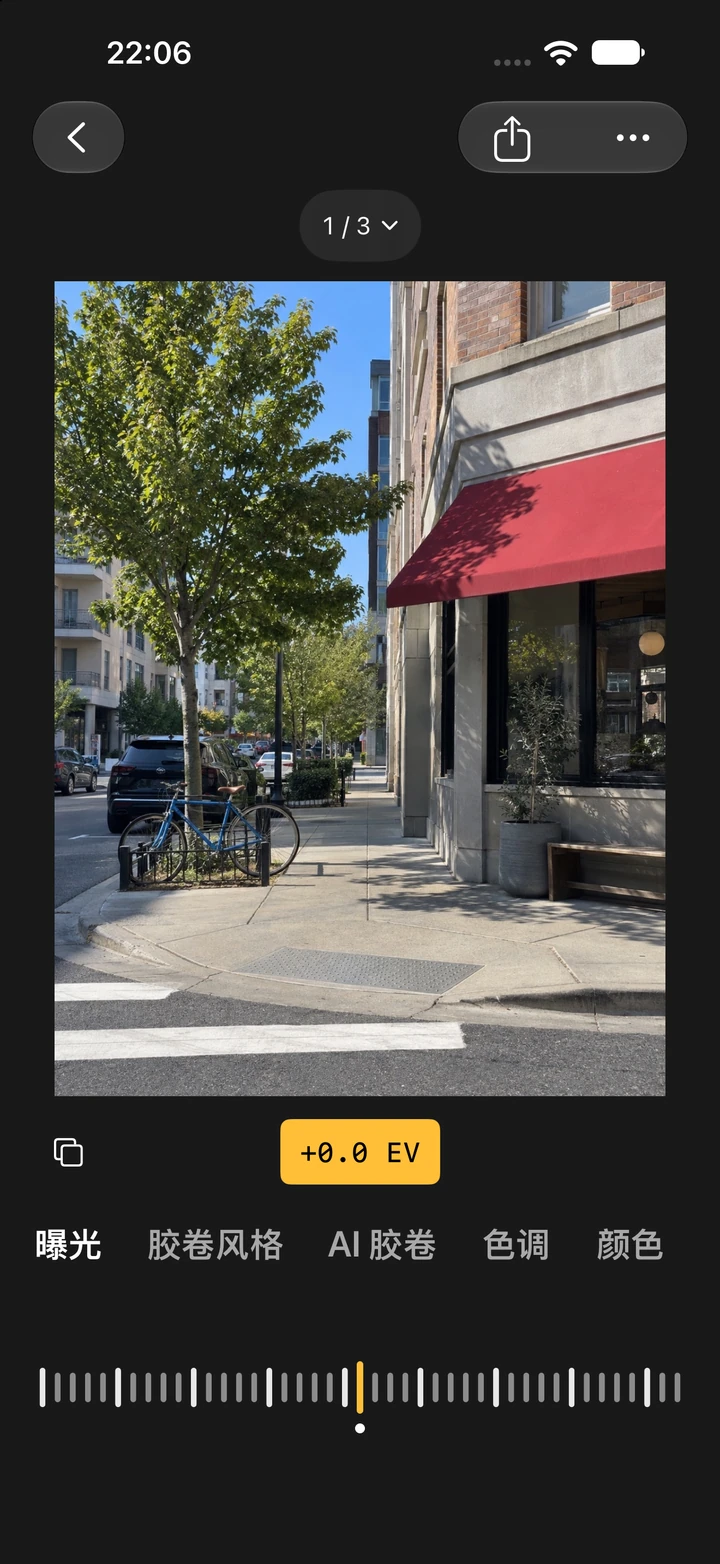
Open the street-corner shot in Photos in SuperRoll.
Adjust exposure
Fine-tune the brightness to reveal detail in the shade.
Crop the frame
Tighten the composition around the red awning and street corner.
Save a new version
Keep the original and use the edit in a card, story, or photo wall.
Create
Make something with your photos.
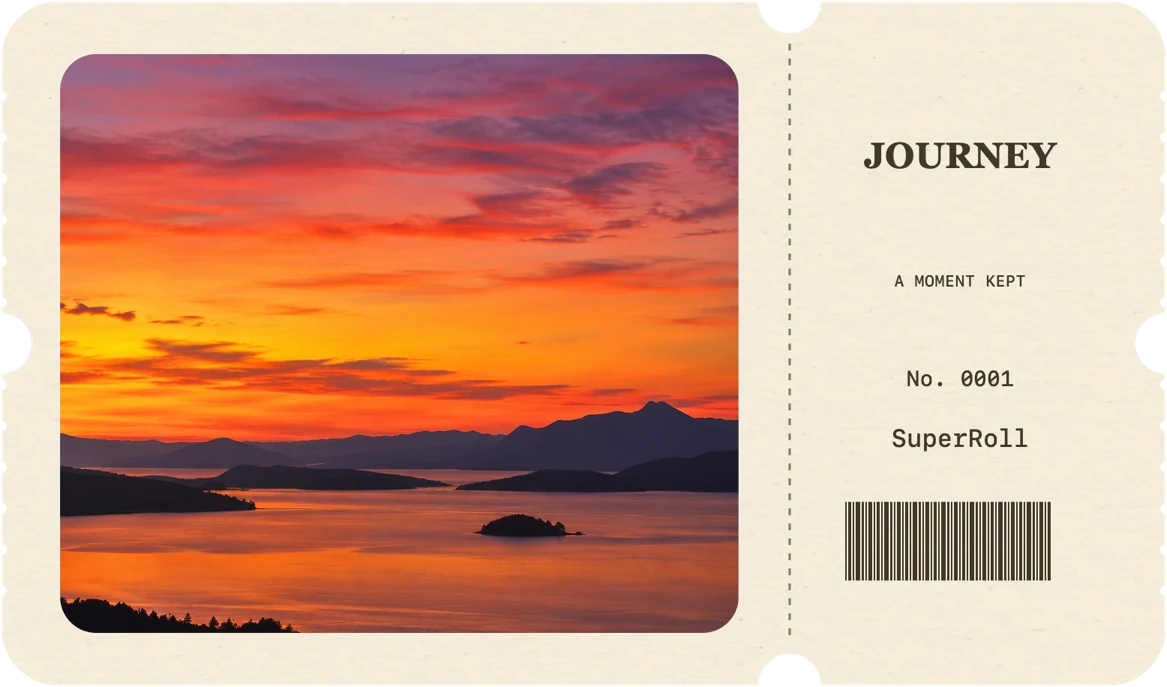
One photo can become a card. With several, you can tell a story across pages or frame the whole set together on a wall.
Explore the Studio toolsVisual card
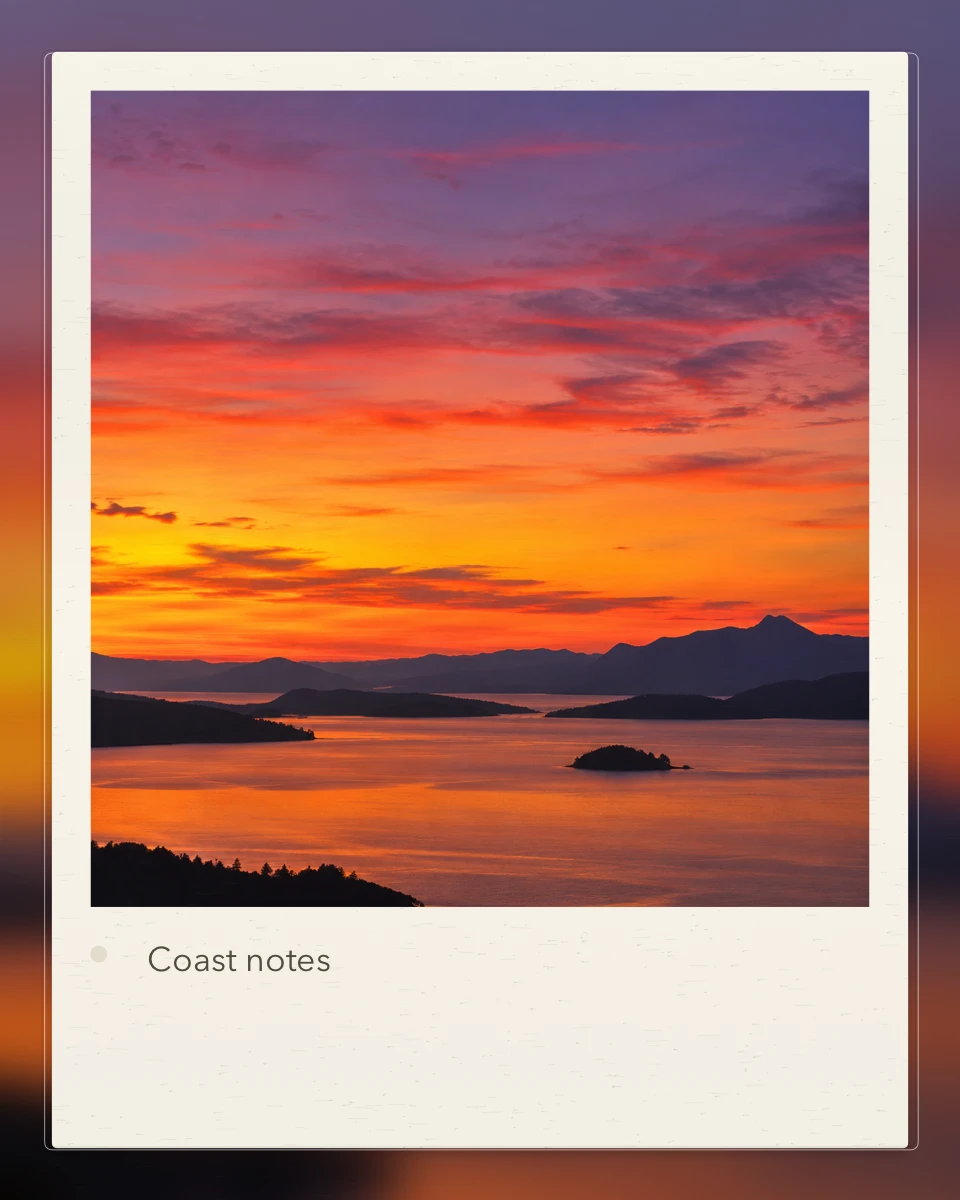
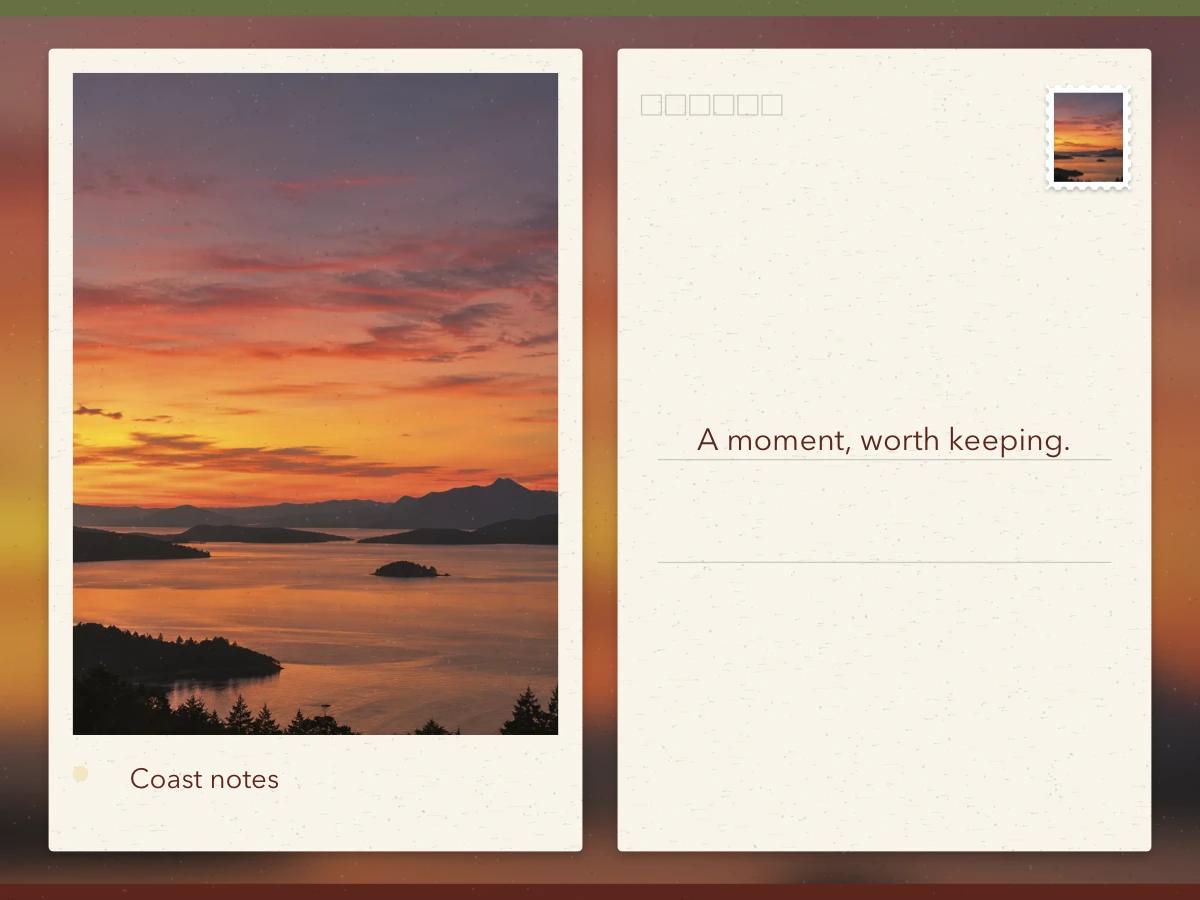
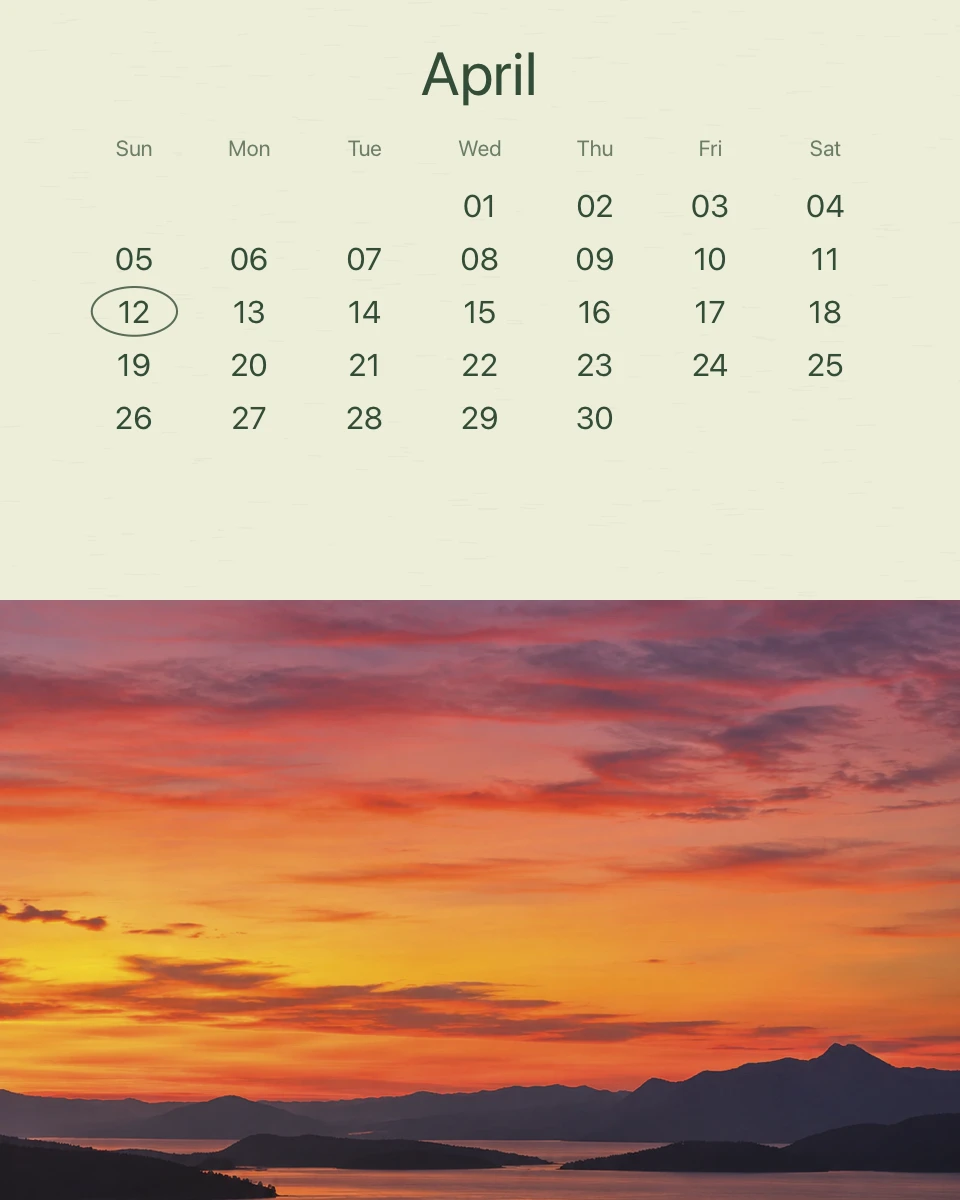
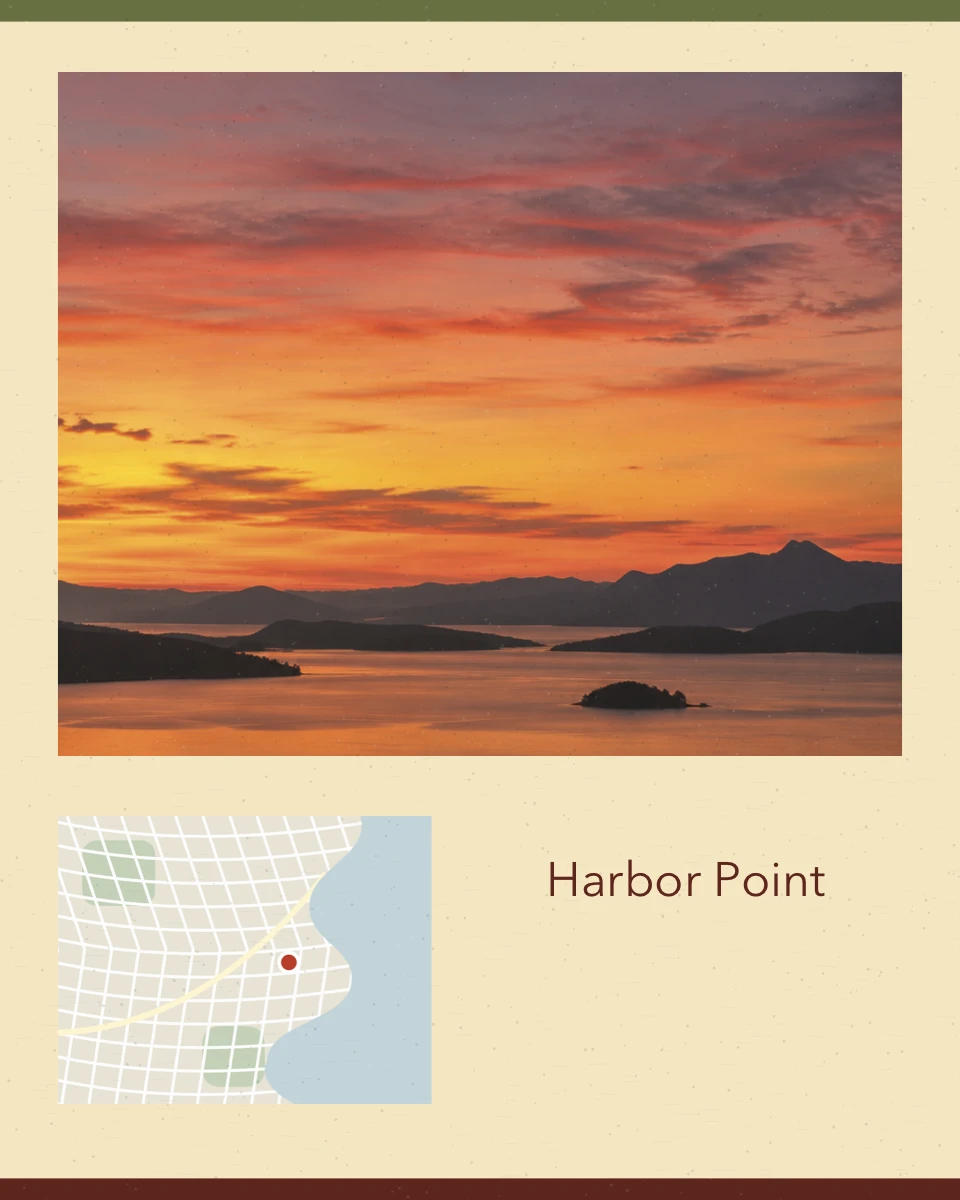
See how the same sunset photo looks in different card templates. Choose a layout to preview what you can make in SuperRoll.

Visual story
Tell a story across several pages of photos. Start from a template or a blank page, then arrange photos, frames, and text in your own order.
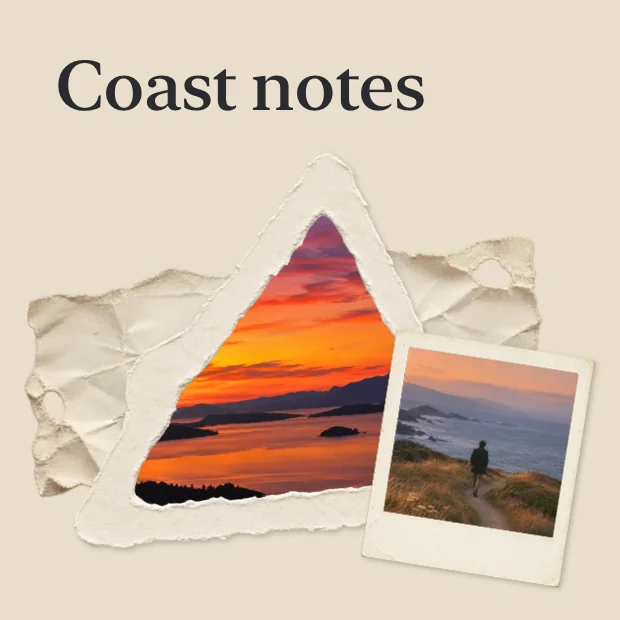
Coast notes
A bold sunset and a small coastal print open the story.
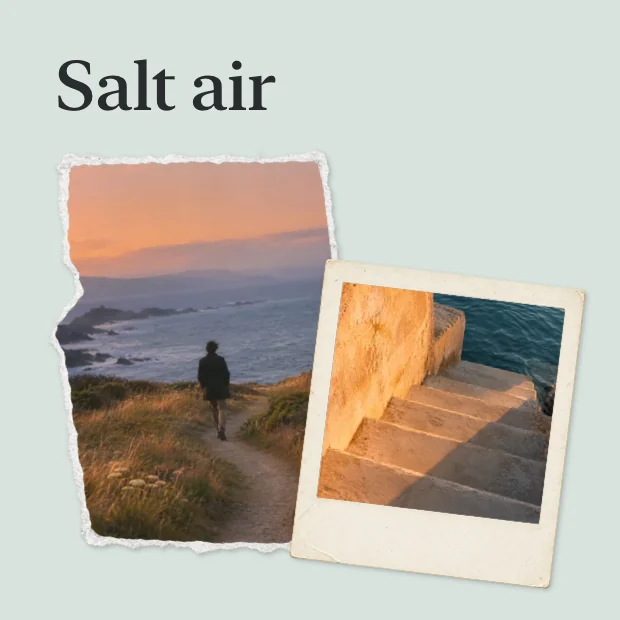
Salt air
A walk along the coast ends at sunlit steps leading down to the water.
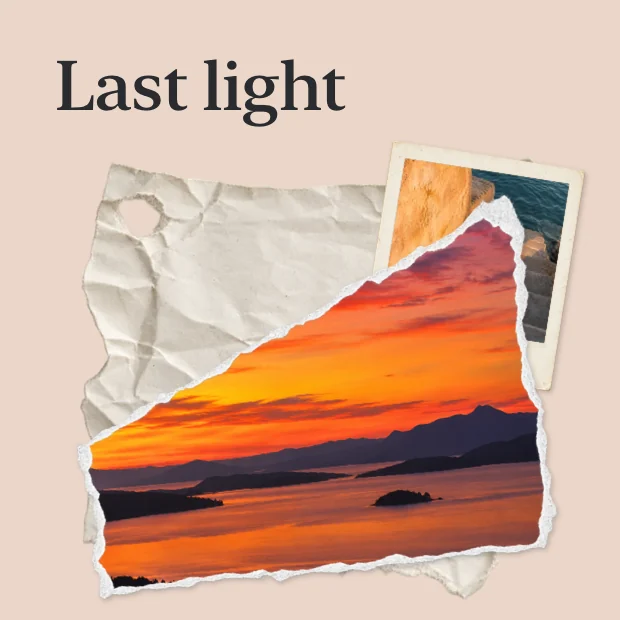
Last light
The story ends back at the bay as the sun drops behind the hills.
Photo Wall
Start with a square or wide template. Resize and reframe each photo, choose its frame, or add a picture light.
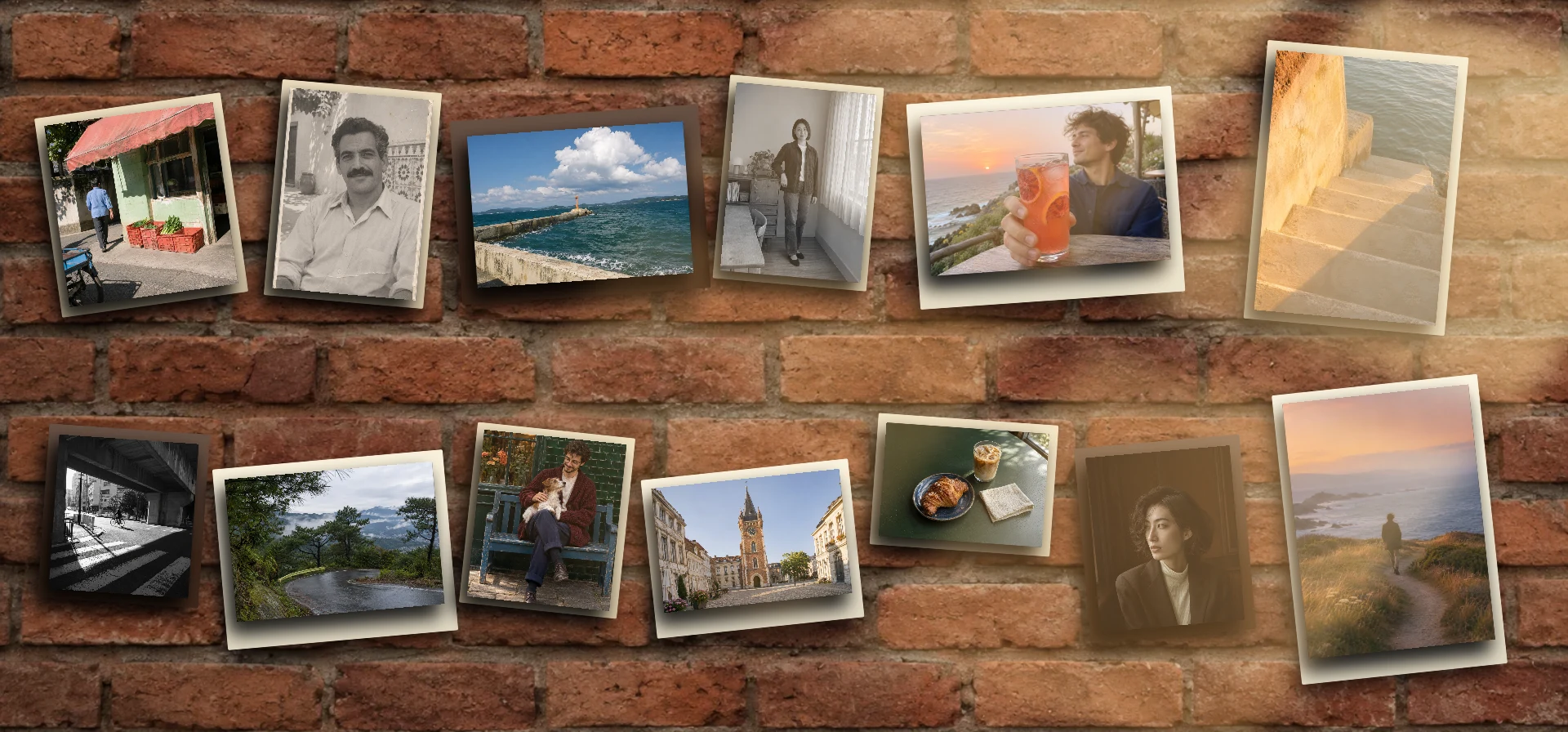
See how a photo wall is made in the app
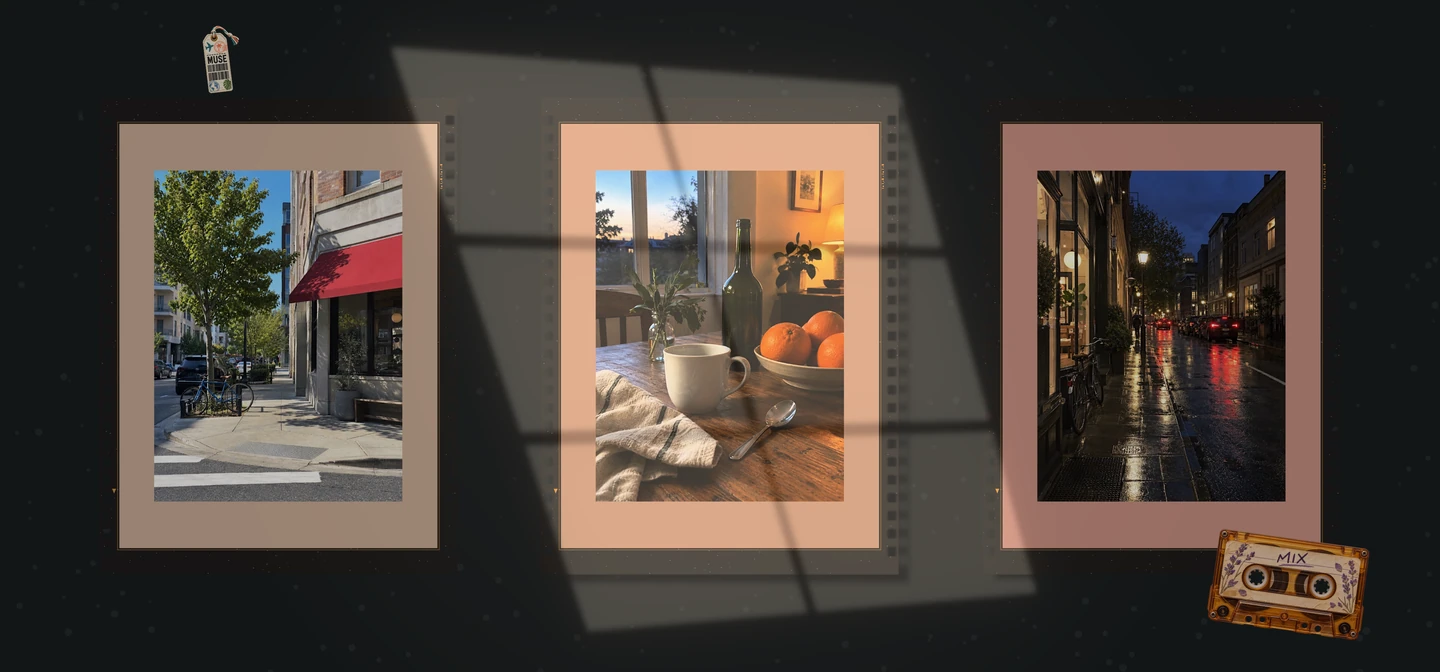
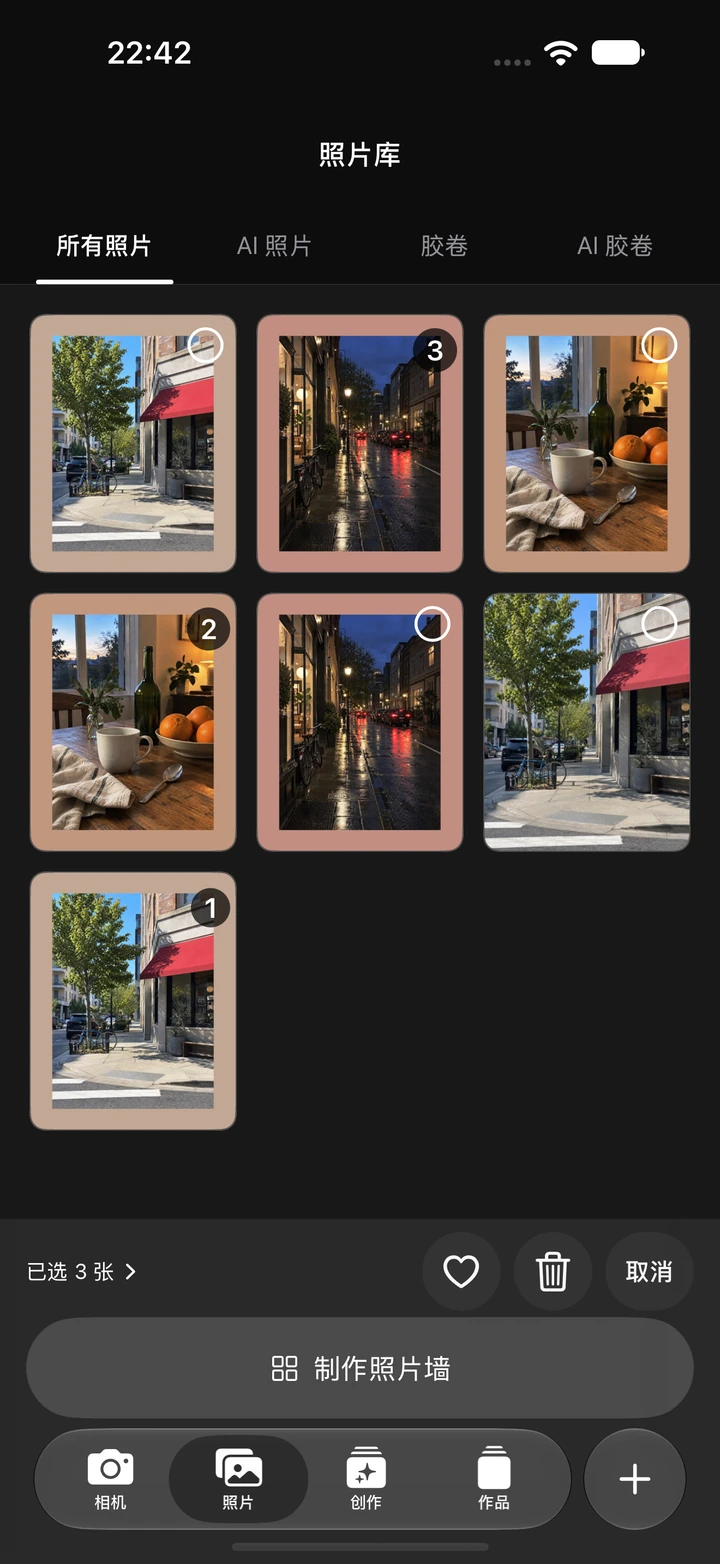
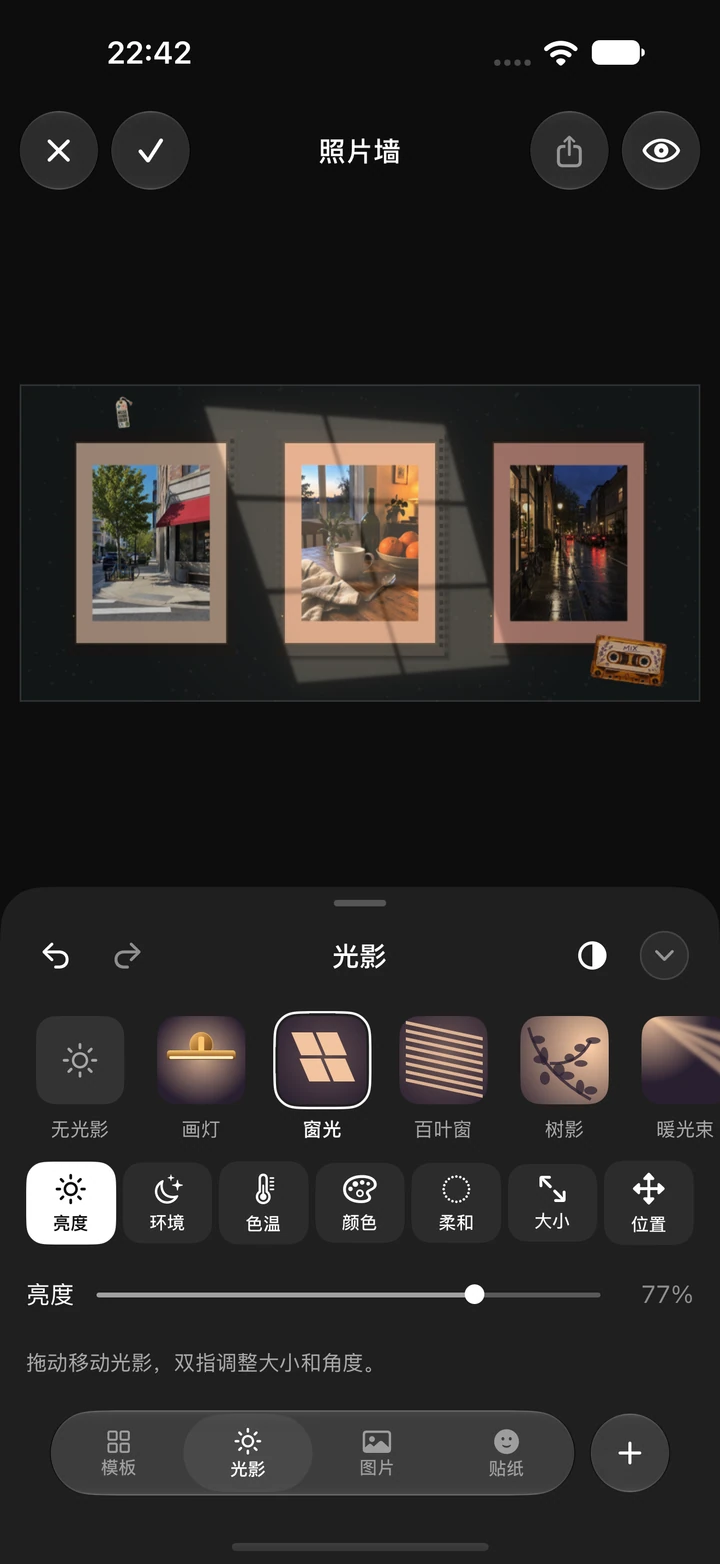
Choose photos for your wall
Pick up to three photos for this browser demo.
3 selected
Recent shots
Sample photos
Preview your photo wall
Choose photos to make your wall.
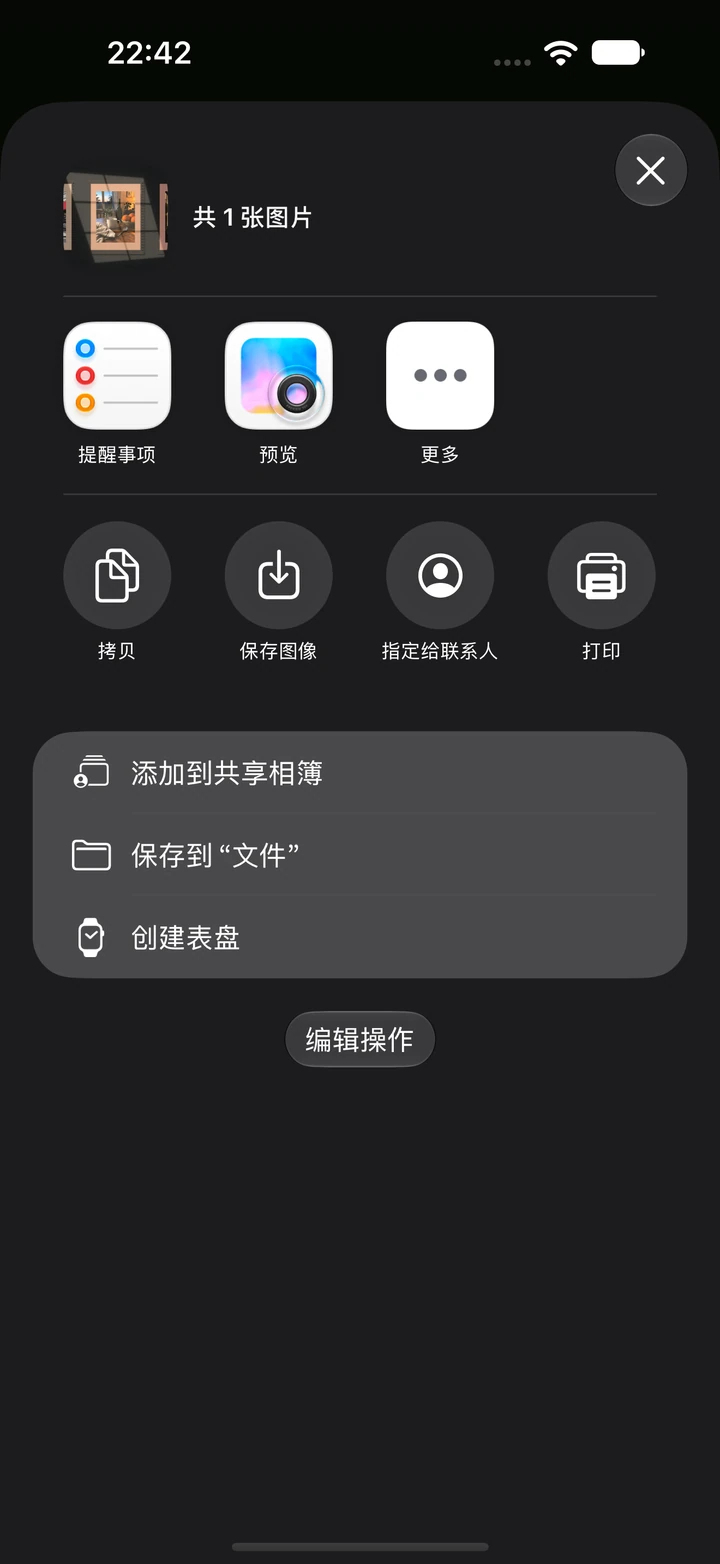
Share
Share the finished work.
Open a saved project in Works to keep editing or preview the finished layout.
Share a visual card or photo wall as an image. For a visual story, share one page, all pages as images, or export the whole story as a PDF.
Try it in your browser.
Use prepared photos to try a roll, explore the sample gallery, or make a contact sheet.
About SuperRoll
SuperRoll is a film camera and photo studio for iPhone. Shoot with live film looks, edit photos, and create and share visual cards, stories and photo walls.
- App screenshots
- Screenshots show the SuperRoll iPhone app with sample photos. The interface may vary by version.
- Web Playground
- Explore prepared sample photos, try a roll, and create a contact sheet in your browser.
Frequently asked questions
Can I use photos I already have?
Yes. Choose iPhone photos when creating a card, story or photo wall, or import them into your SuperRoll library to edit later.
What happens to my photos when I change film?
Your earlier photos stay in the Library, where you can browse by film. When you switch back to an active roll of the same film, you can keep shooting.
Can I change the film after taking a photo?
Yes. Open a SuperRoll photo in the Library and choose a different local film to make another version from the original.

SuperRoll for iPhone
Coming to the App Store
Request a launch emailOpens your email app. Send the message to make your request.